
Latest Version
Microsoft Corporation
General
Mac
Free
1295203466
Report a Problem
More About Windows App
The Challenge of Cross-Platform Workflows
For professionals who rely on Mac hardware but need access to Windows-exclusive environments, bridging the gap has historically been a challenge. Managing multiple machines or trying to run resource-heavy virtual machines locally can slow down your workflow and drain your system's resources. The Windows App for Mac remote desktop solution addresses this issue directly, offering a streamlined, secure gateway to connect your macOS device to the Windows ecosystem without compromising on performance.
What is the Windows App for Mac?
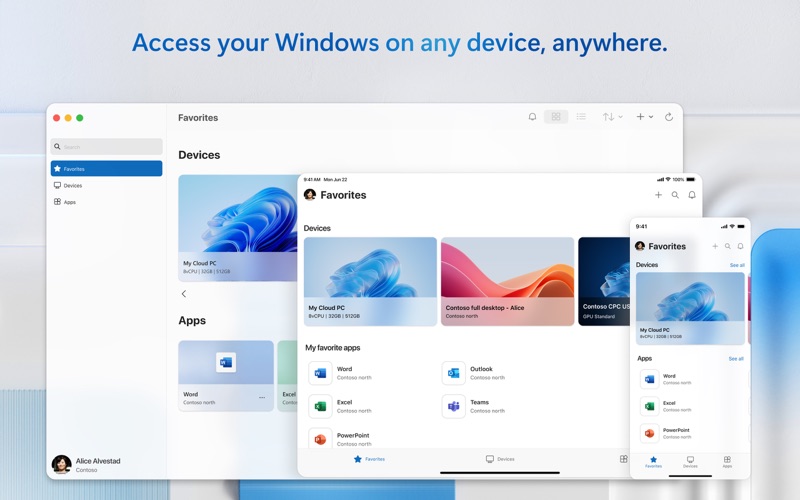
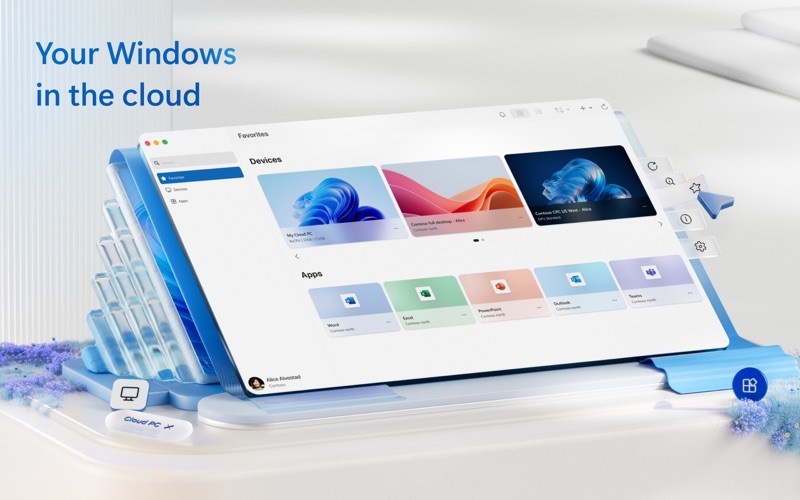
Developed by Microsoft Corporation, the newly rebranded Windows App (formerly known as Microsoft Remote Desktop) is a unified client designed for the Mac platform. It serves as a secure portal to connect to remote physical PCs as well as admin-provided virtual apps and desktops. Whether you need to tap into Windows 365, Azure Virtual Desktop, Microsoft Dev Box, or traditional Remote Desktop Services, this utility brings your remote Windows workspace straight to your macOS desktop.
Key Features and Capabilities
This software is packed with enterprise-grade features designed to make remote work feel entirely native:
- Broad Remote Access: Connect seamlessly to remote PCs running Windows Professional, Windows Enterprise, or Windows Server.
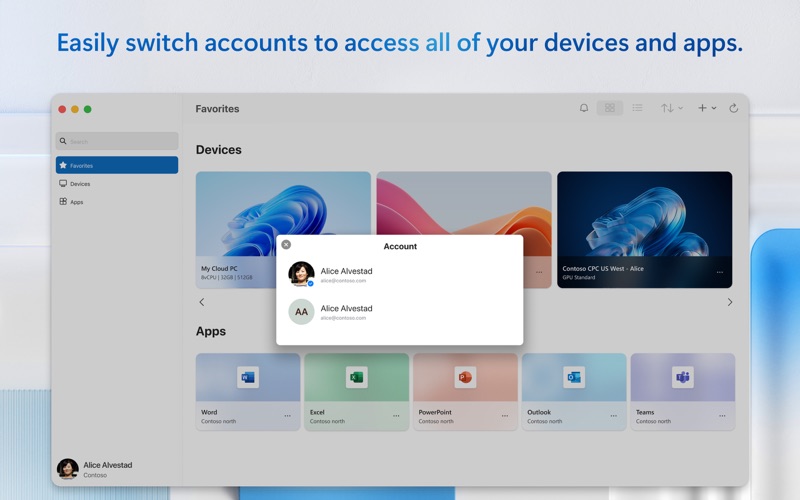
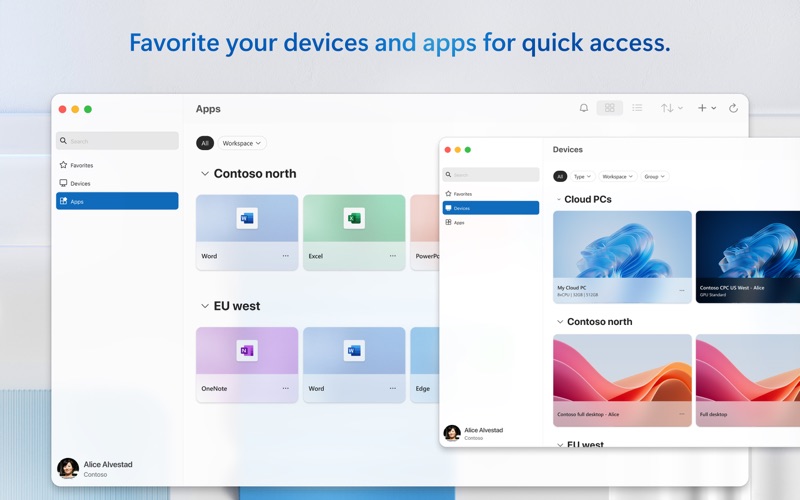
- Unified Connection Center: Manage your connections and credentials with ease. The interface includes a Favorites page, allowing you to organize your most-used resources to match your unique workflow.
- High-Quality Streaming: Enjoy smooth audio and video streaming, essential for modern virtual collaboration.
- Local Device Redirection: Work efficiently by redirecting local folders, your clipboard, and hardware peripherals like microphones and cameras directly to your remote session.
- Teams Media Optimization: Experience optimized audio and video calls within Microsoft Teams inside your virtual environment.
- Multi-Monitor Support: Expand your workspace across multiple screens for maximum productivity.
Who is This Remote Client For?
The Windows App for Mac remote desktop client is an indispensable tool for system administrators, software developers using Dev Box, and remote corporate employees who need to access secure company networks. It eliminates the need for dual-booting or maintaining separate physical hardware, making it a highly efficient choice for hybrid work environments.
Accessing the App
If you are ready to streamline your cross-platform productivity, you can explore the application further. To get started, view the official listing and download the client directly on the Mac App Store.
Rate the App
User Reviews









Popular Apps










Editor's Choice