
Latest Version
Marco Scarpetta
General
Linux
Free
eu.scarpetta.PDFMixTool
Report a Problem
More About PDF Mix Tool
An Efficient PDF Editor for Linux Desktops
The PDF Mix Tool PDF editor is a lightweight, open-source application designed specifically for Linux users who need to perform quick, reliable modifications on their documents without the bloat of heavy office suites. Developed by Marco Scarpetta, this utility focuses on speed and simplicity, making it an excellent addition to your productivity toolkit.
Core Functions of PDF Mix Tool
Instead of trying to be a full-scale word processor, the PDF Mix Tool PDF editor excels at structural document manipulation. It provides a clean interface to execute several essential operations:
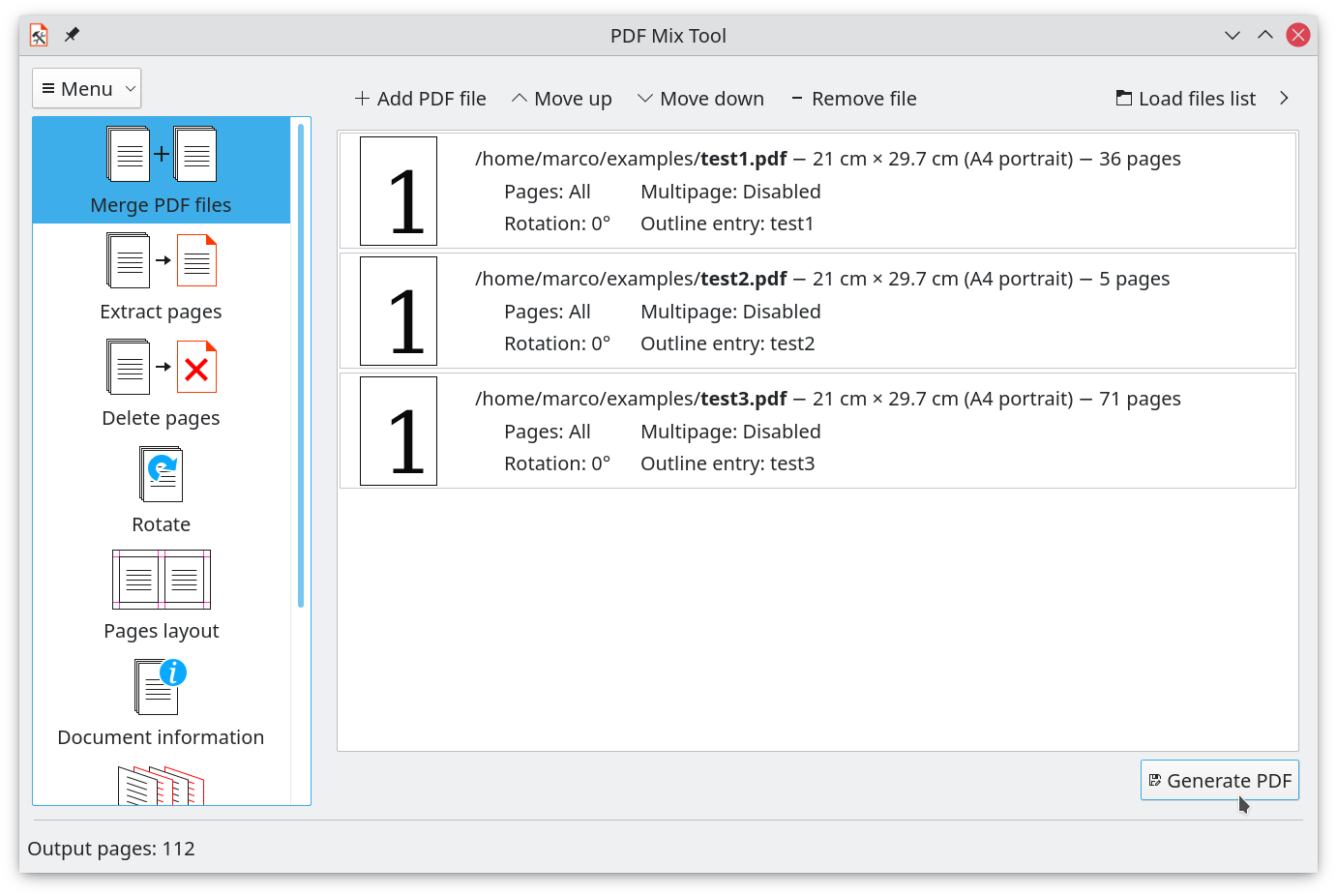
- Merge and Combine: Join multiple files together while selecting specific page ranges from each source document.
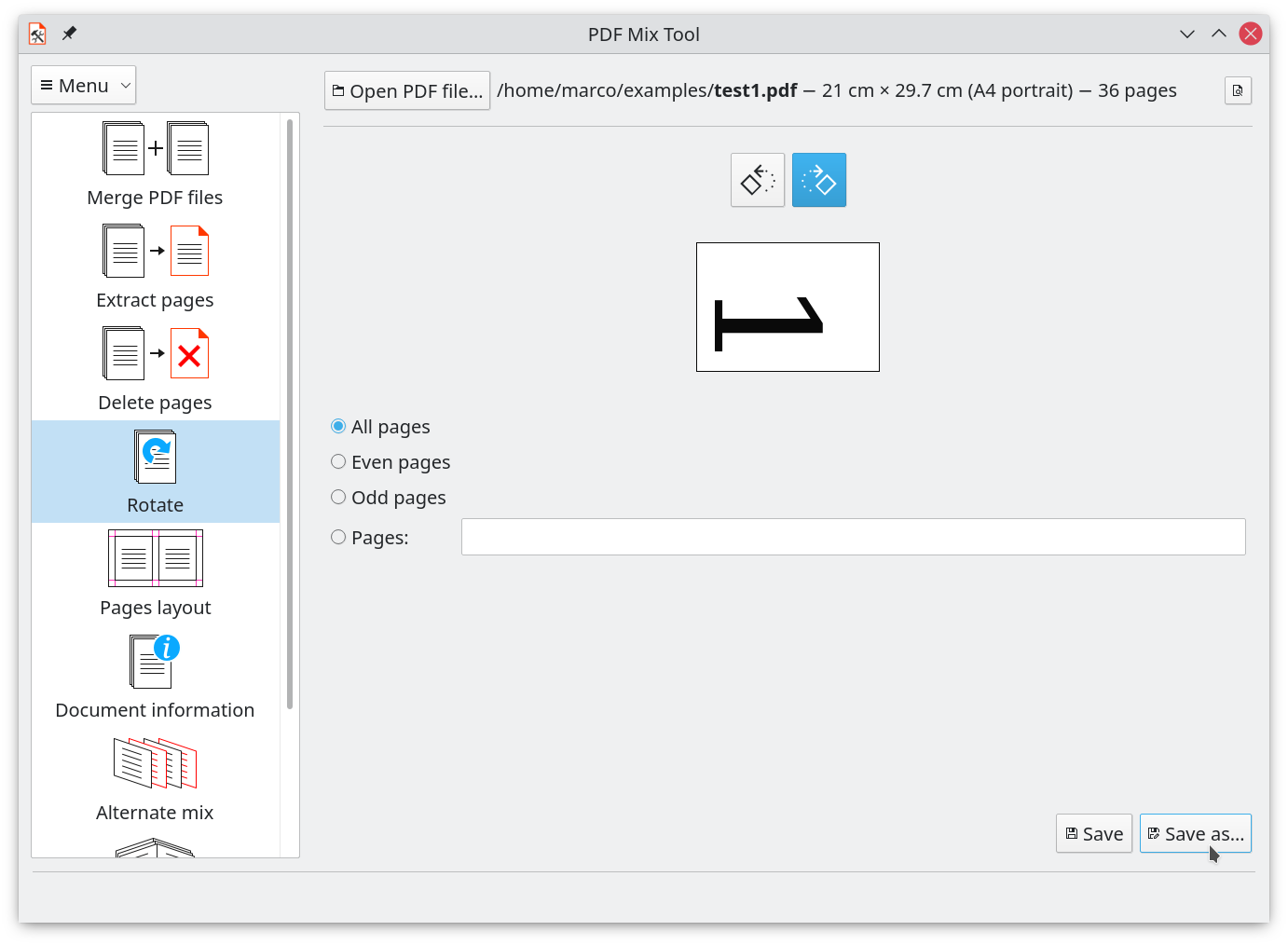
- Page Rotation: Correct the orientation of individual pages or entire documents with a few clicks.
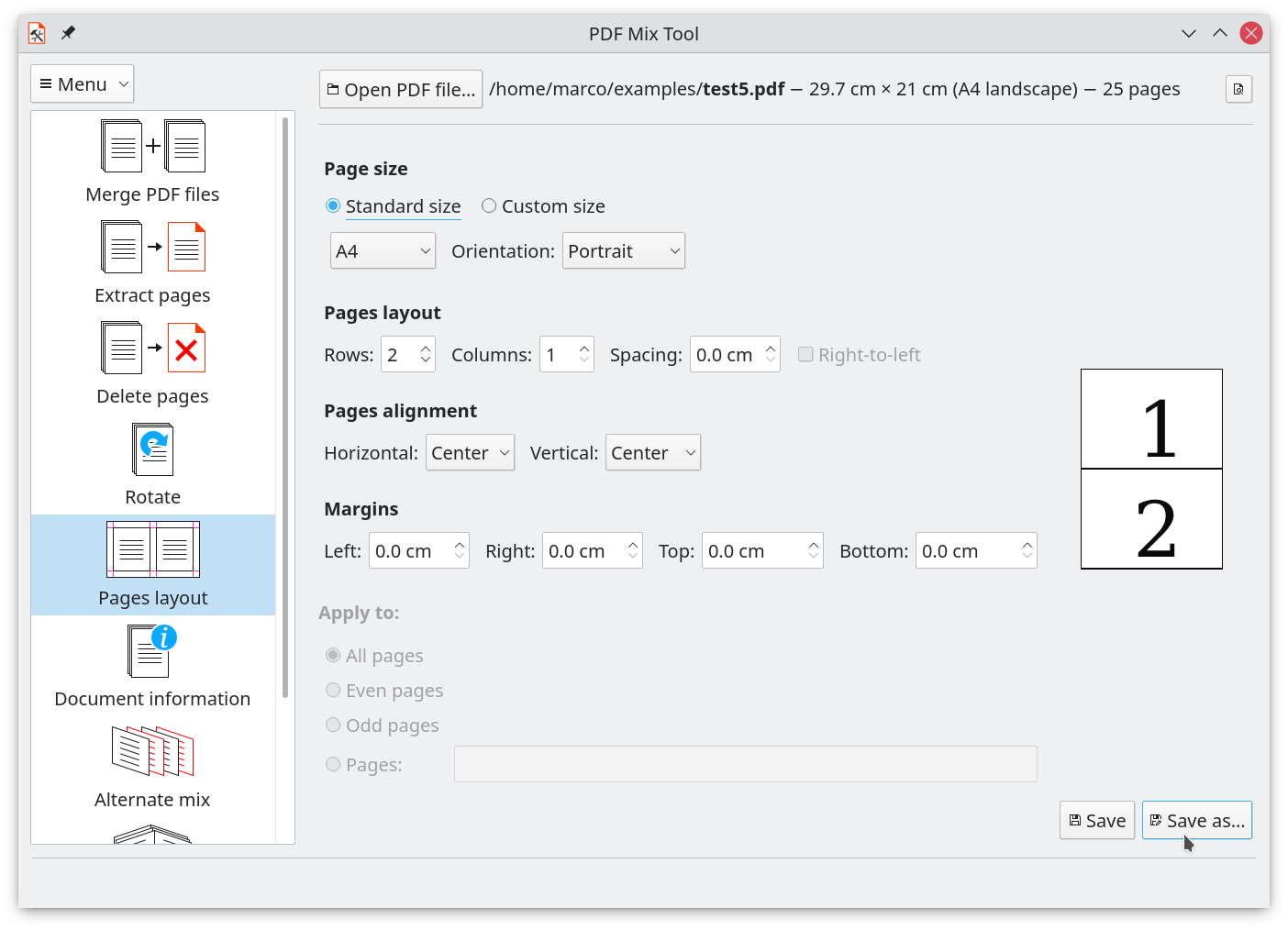
- N-up Compositing: Save paper and change layouts by combining multiple pages onto a single sheet.
- Advanced Page Mixing: Alternating pages from different files, generating custom booklets, or inserting blank pages exactly where you need them.
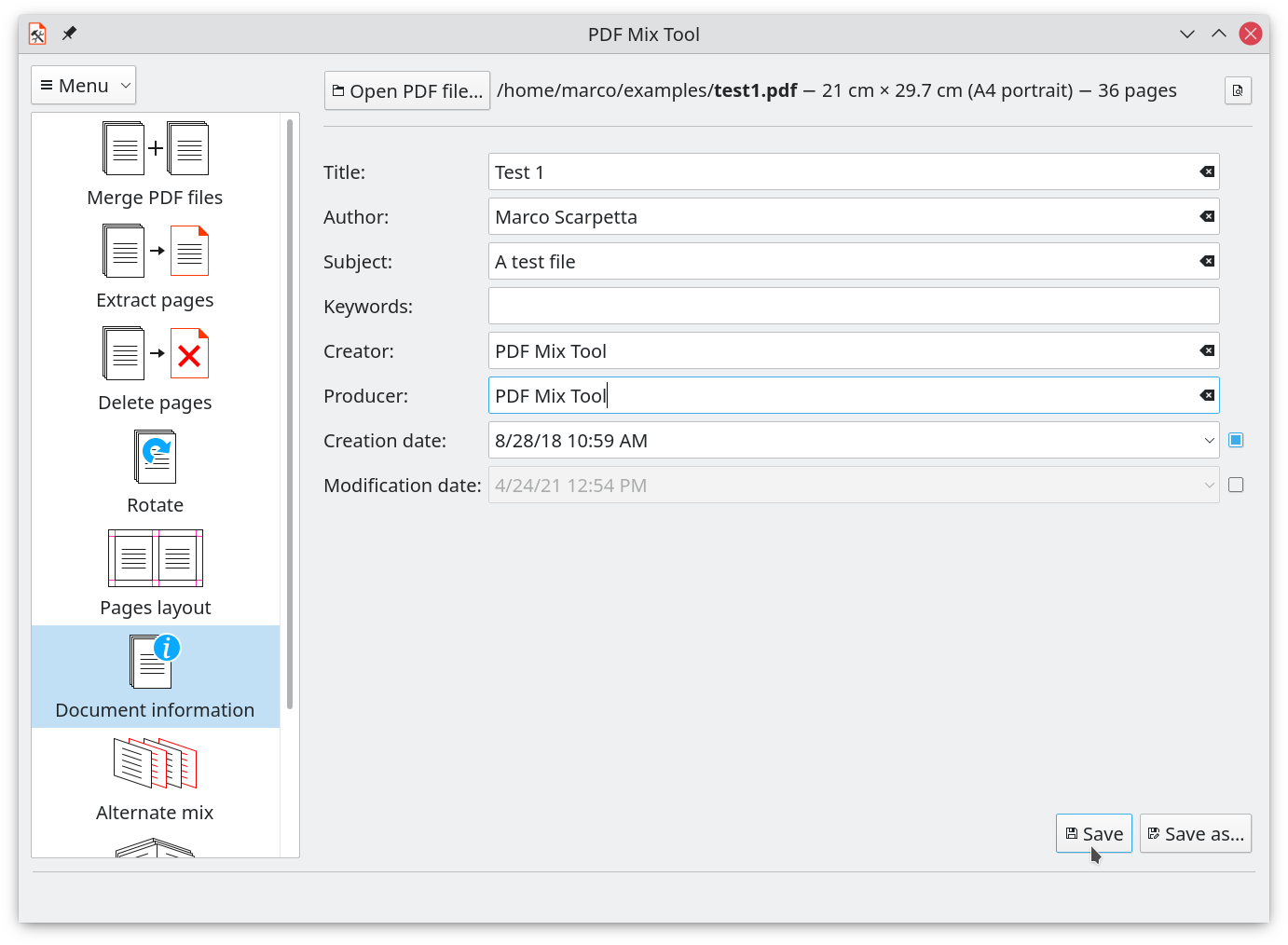
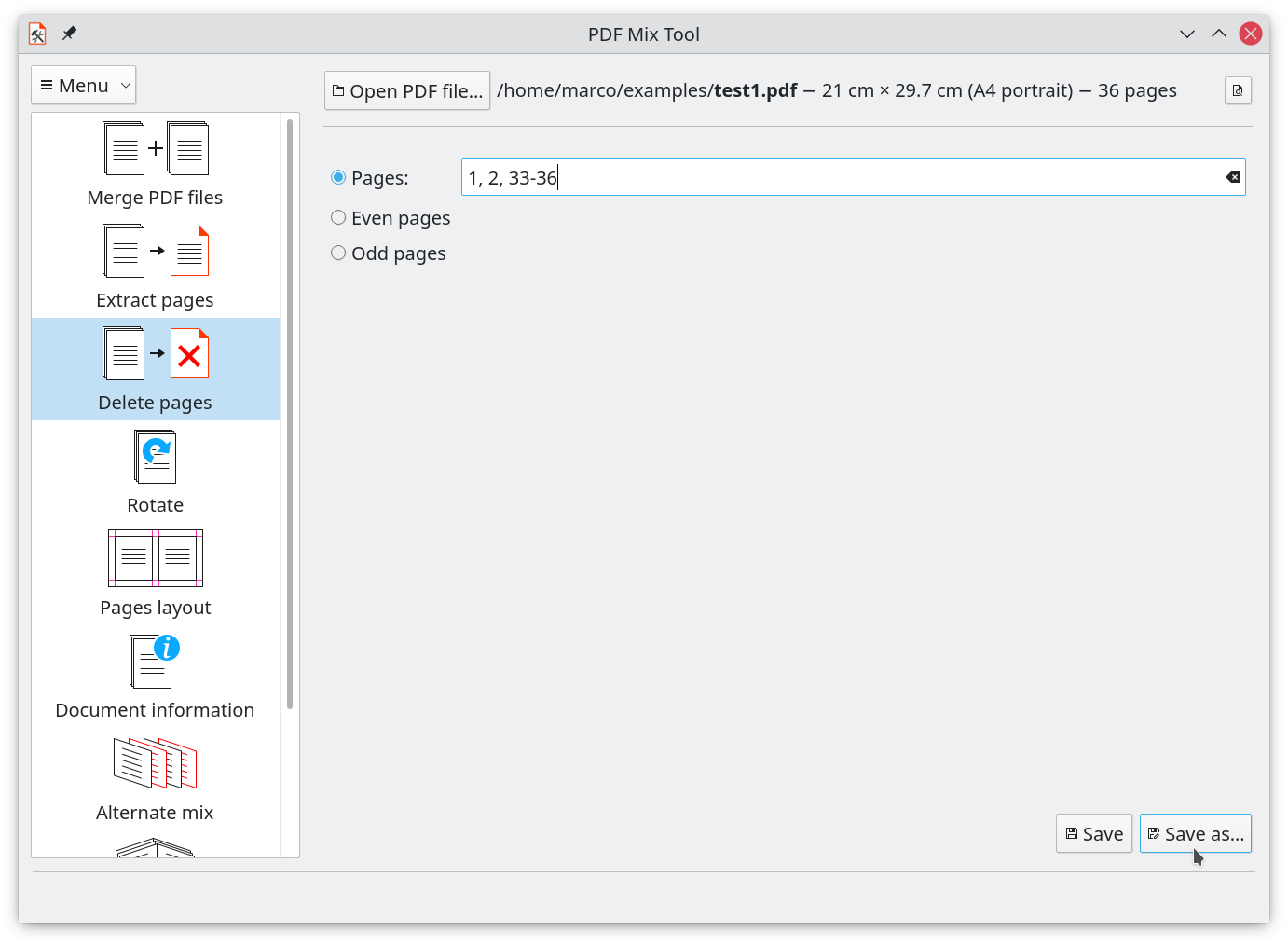
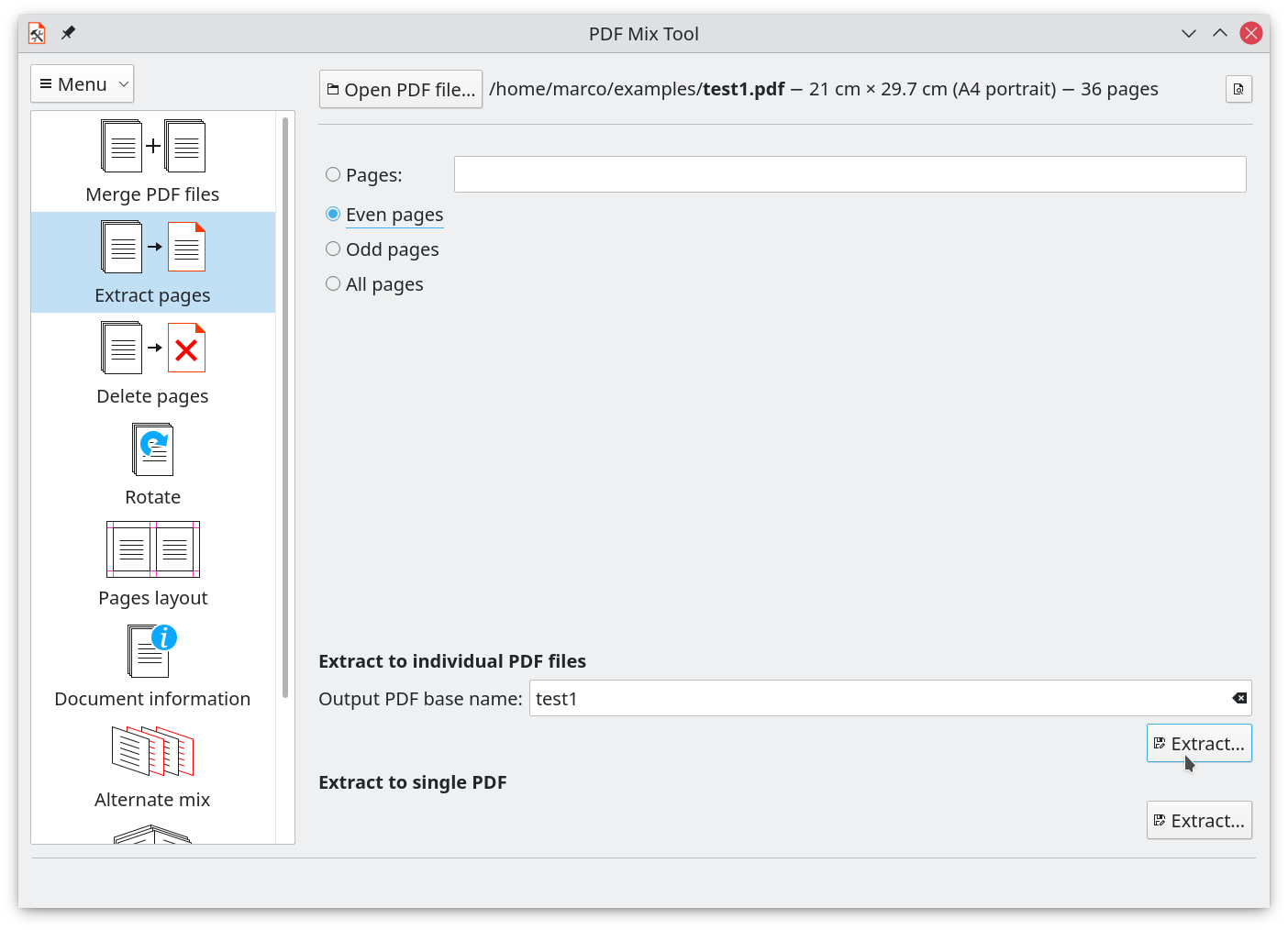
- Document Extraction and Cleanup: Delete unnecessary pages, extract key sections into new files, and edit metadata information instantly.
Who Is This PDF Manipulation Tool For?
If you frequently handle scanned documents, academic papers, or business reports on Linux, you know how frustrating complex editors can be. The PDF Mix Tool PDF editor is ideal for users who want to reorder, slice, and combine files without a steep learning curve. It does not alter the underlying text content, preserving the original formatting and quality of your files perfectly.
Get the App
For Linux users seeking a straightforward, dependable solution for document organization, this utility delivers exceptional value. To try it out on your system, head over to the official Flathub page to download the flatpak package directly from the developer.
Rate the App
User Reviews







Popular Apps









Editor's Choice